How this works
- In Profile → Pregnancy, switch on “I'm pregnant”.
- Enter your due date or the first day of your last period, then tap “Yes, I'm pregnant”.
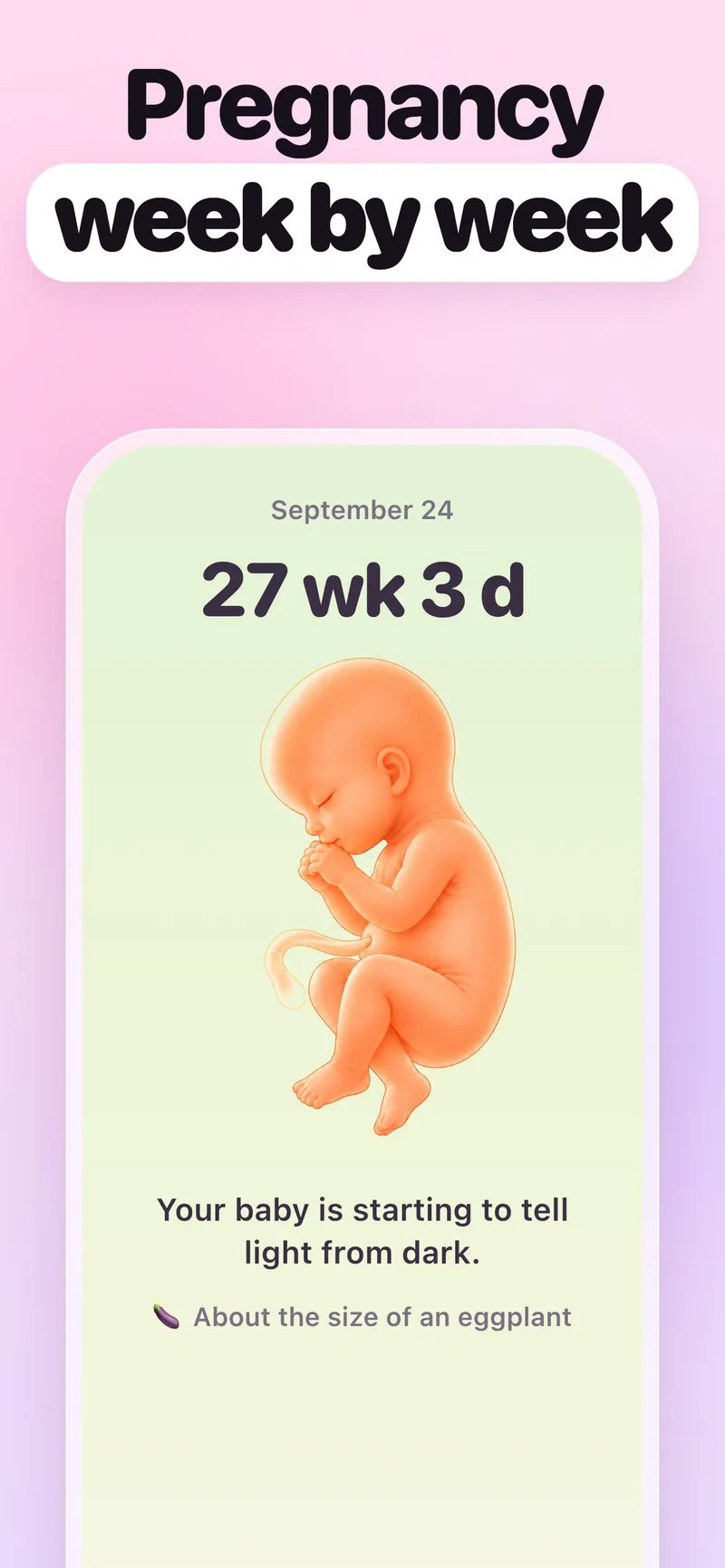
- Home shows your week, a line about the baby and a size comparison, like an eggplant.
What's in each week?
Each week has cards: “Baby this week”, “You this week” and “At your appointment”. Log your weight whenever you like; there are no goals and no scores. If your doctor updates your due date, enter the new one, and the calendar recalculates.
What if the pregnancy ends?
Switch pregnancy mode off and pick “Yes, it has” or “I marked it by mistake”: that's two taps. HeySis never asks how a pregnancy ended and doesn't save it anywhere. When your periods come back, log the first day, and cycle forecasts start again. In the same place you can add a past pregnancy, and your doctor's report gets a line about it.
Your weeks, due date, weekly cards and weight logging are free, and Premium adds selected baby illustrations and weight analytics.
Common questions
Can HeySis check how my baby is growing?
No. The sizes are averages, and every baby grows at its own pace. How your baby is doing is a question for your doctor.
What if something worries me?
Call your doctor: that's exactly what they're for. You can also write to Mia, your AI sister in HeySis. If you mention bleeding, contractions before 37 weeks or the baby moving less, she'll ask you to call your doctor or maternity clinic right away.
Can my partner follow along?
Yes. Someone in your Circle sees your pregnancy week instead of your cycle day.